
An AI video draft can make a written idea feel finished before the team has checked what the video is allowed to say. The picture moves, the rhythm feels confident, and the message seems simple. That confidence is useful only if every visible claim can still be traced back to the source.
For editorial, product, education, and public-information content, the missing planning step is often a claim ledger. Before a team writes the prompt, chooses references, or tests a visual style, it should list the statements the video may touch and decide how each one can safely appear.
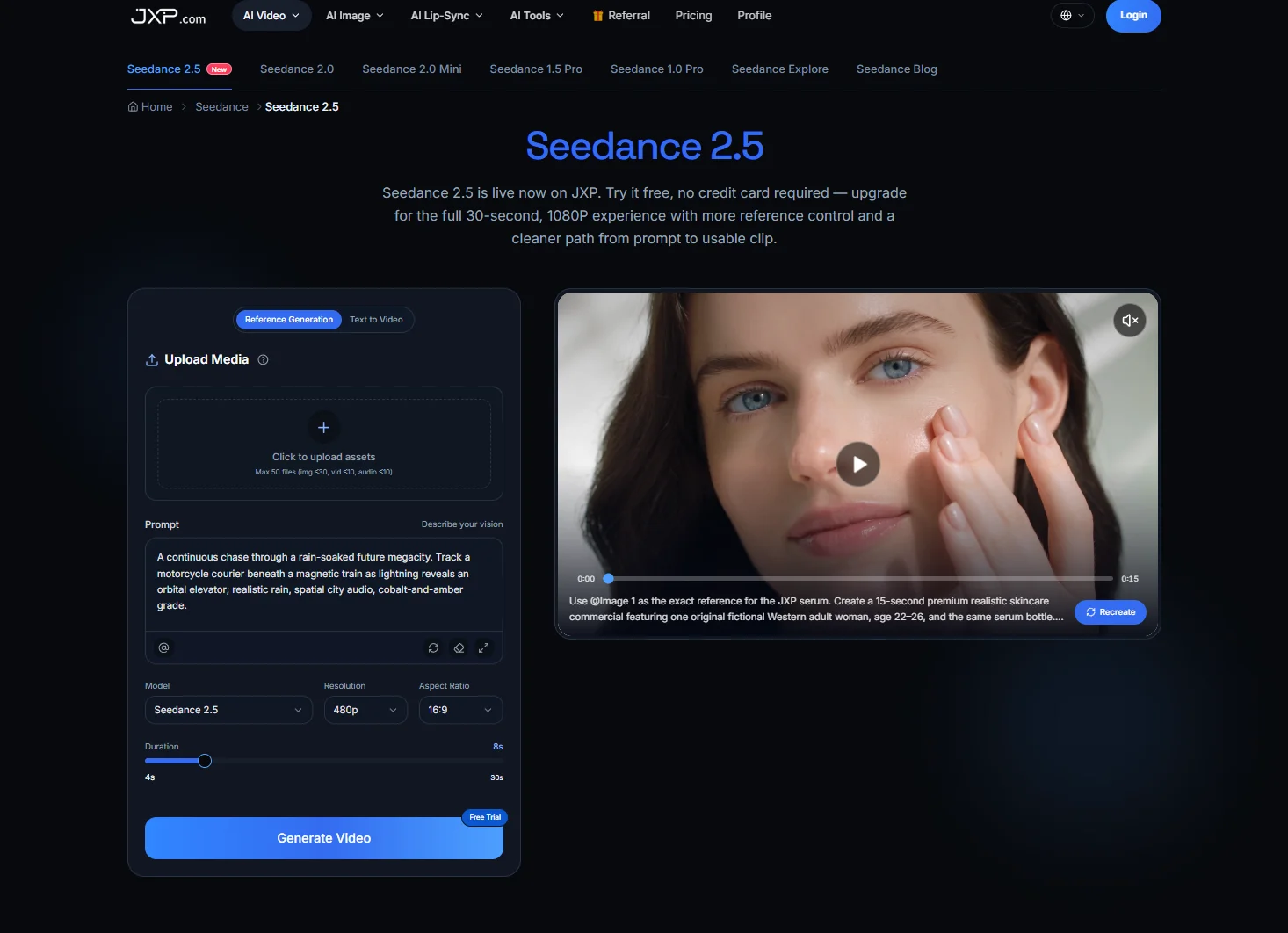
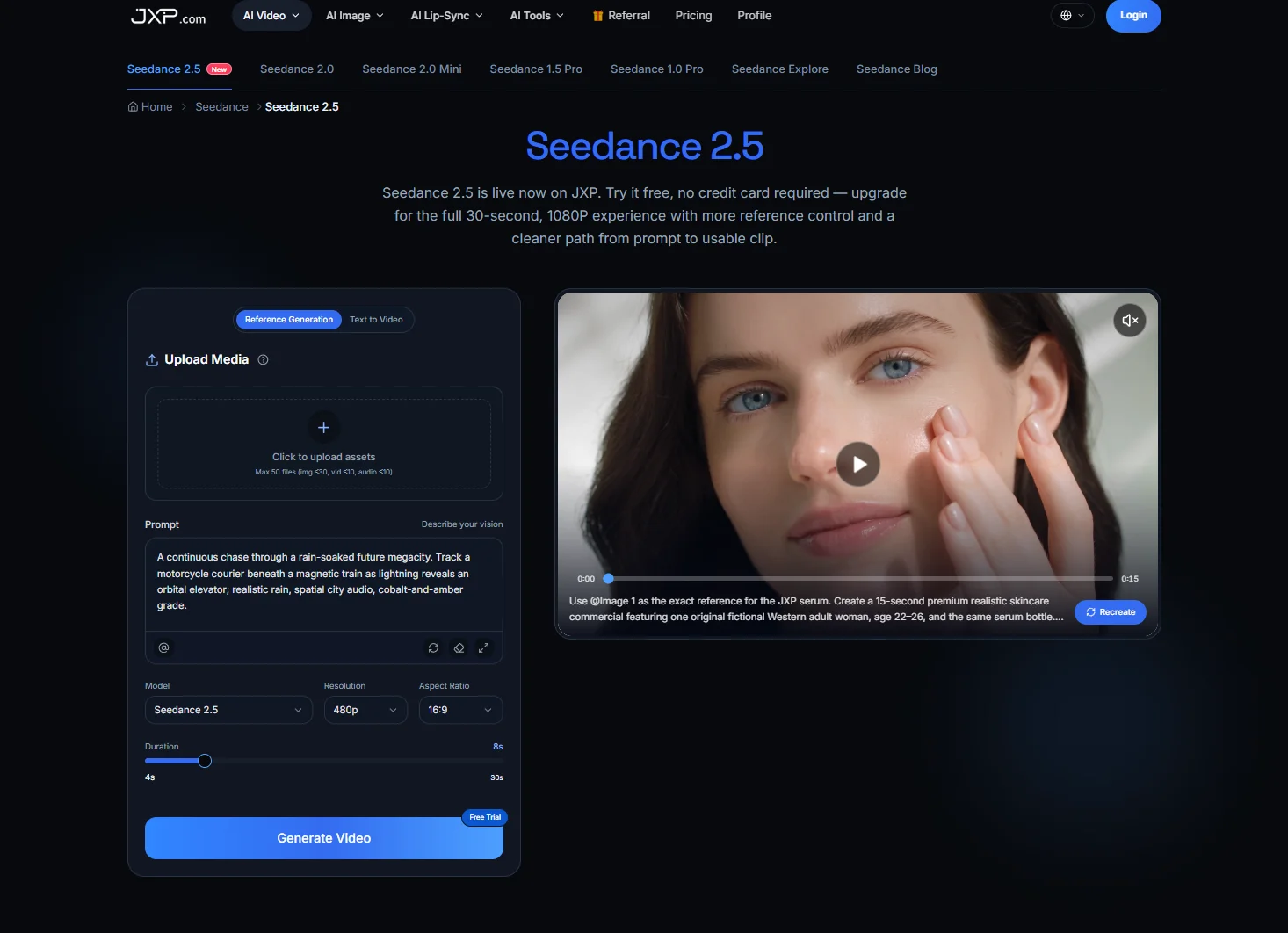
Seedance 2.5 on JXP gives teams a browser-based way to turn prompts and eligible references into short video drafts for review. The current workflow supports text-to-video and reference-guided creation, with controls for duration, aspect ratio, and resolution. That makes it useful for early creative testing, but the creative test still needs a claim system behind it.
What a Claim Ledger Does
A claim ledger is a simple production map. It does not need to be long or formal. It only needs to answer four questions before the video draft begins: what claim may appear, where the claim comes from, how certain the source is, and how the video is allowed to show it.
That last question is the most important. Some claims can appear as direct on-screen text. Some need a date, source note, or qualification. Some should be represented only as a broad visual idea. Some should stay out of the video completely because motion would make them look more certain than they are.
Without this map, the draft can quietly change the meaning of the article. A careful sentence becomes a bold caption. A limited example becomes a general scene. An estimate becomes a clean number on a chart. A source note disappears because it does not fit the frame.
| Scene or claim | Claim type | Source | Scope or uncertainty | Allowed treatment | Review trigger |
| Feature is available | Verified fact | Current product documentation | Version and platform | Approved text and real screen | Feature status changes |
| Performance improved 20% | Attributed or tested result | Vendor report or independent test | Method and environment | Preserve attribution and conditions | New test or correction |
| Users prefer the new flow | Unsupported generalization | Limited feedback sample | Not representative | Do not present as broad fact | Valid research becomes available |
| Person uses the workflow | Illustration | Fictional brief | Not a real customer case | Clearly illustrative scene | Scene becomes too realistic |
| Dashboard labels | Exact interface detail | Verified screenshot | Capture date and version | Rebuild from approved material | Interface changes |
A fuller ledger can also include the source owner, verification date, approval status, expiry or withdrawal trigger, final placement, and whether disclosure must travel with the standalone clip. These fields make the draft easier to review when the video will appear outside the article where the source was first explained.
Sort Claims by Visual Risk
Not all information carries the same risk when it becomes video. A product name, section title, or general topic may be safe to show plainly. A number, ranking, test result, quotation, date, or location may need more context. A claim about behavior, performance, adoption, health, safety, identity, or public response needs stricter review.
A useful ledger can group claims into four levels. Level one is verified label text: current, low-risk identifying copy that still must come from approved wording. Level two is a qualified claim: it needs attribution, date, scope, or limitation, and that qualification should remain on screen or travel with the clip. Level three is illustrative only: it may explain an idea but cannot serve as evidence, so it needs clear labeling and should avoid realistic proof-like treatment. Level four is restricted or unsupported: sensitive, unverified, prohibited, or materially misleading material should be excluded unless it is substantiated, authorized, and specifically approved for the chosen treatment.
This gives the video team a better starting point than “make it clear” or “make it more visual.” It tells them where they can be direct, where they must be cautious, and where an abstract scene is better than a realistic one.
Turn the Ledger Into a Source-Boundary Matrix
Once the first draft exists, the ledger becomes a source-boundary matrix. Each scene can be checked against the claim it represents. The reviewer can ask: what is this scene saying, which source allows it, what level of certainty does it carry, and could a viewer mistake it for proof?
This method is practical because it catches problems that style review often misses. A scene may look clean but imply a real demonstration. A chart may look professional but lack a source period. A fictional example may look like a real case study. A background screen may invent labels or numbers that no one approved.
The matrix also helps decide when the video should be simpler. If one scene needs too many caveats to remain accurate, it may be better to narrow the scene, use a static caption, or keep the detail in the article. However, any qualification necessary to prevent the clip’s main claim from becoming materially misleading should travel with the video in its on-screen text, caption, source note, or accompanying post.
Keep Uncertainty Visible
Short video often pressures teams to remove small words. Yet words such as “may,” “could,” “reported,” “estimated,” “preliminary,” “associated with,” and “as of” can carry the whole meaning of a claim. Removing them can turn a careful summary into an overstatement.
The claim ledger should mark these terms before production. If a number is an estimate, the video should not show it as a final total. If a finding is associated with an outcome, the video should not say it caused the outcome. If a feature, policy, or availability note may change, the draft should leave room for updated text.
That does not mean every short video must be crowded with disclaimers. It means the format should fit the claim. Some detail can remain in the surrounding article. However, any qualification necessary to prevent the clip’s main claim from becoming materially misleading should travel with the video in its on-screen text, caption, source note, or accompanying post.
Record What Each Reference Is Allowed to Control
Reference material can shape an AI video draft, but it should not expand the story. A color palette can guide mood. A layout sketch can guide sequence. A diagram can guide structure. A short audio reference can guide pacing. The ledger should record that purpose so reviewers know why each file was used.
If a reference is only approved for mood, it should not create new facts. If it is only approved for structure, it should not invent people, places, or results. If it is only approved for internal review, it should not appear in a public screenshot or final clip.
JXP presents Seedance 2.5 as a workspace for prompt-based and reference-guided video generation, including supported image, video, and audio reference workflows. That flexibility is useful, but it increases the need for clear input rules. The more materials a draft uses, the more valuable the ledger becomes.
Check Generated Text and Interface-Like Scenes
Generated background text is one of the easiest places for a draft to drift. A sign, dashboard, browser window, mobile screen, notebook, label, packaging panel, or chart may contain words the team never wrote. Those words can introduce fake names, wrong numbers, accidental brands, unsupported claims, or confusing labels.
Interface-like scenes need the same caution. A fictional dashboard can look like a real product screen. A mock chart can look like measured data. A sample workflow can look like a verified process. Clearly label illustrative material where limited confusion is possible. If a realistic scene could materially mislead viewers about an actual person, event, interface, policy, test, customer case, or measured result, replace it rather than relying only on a label.
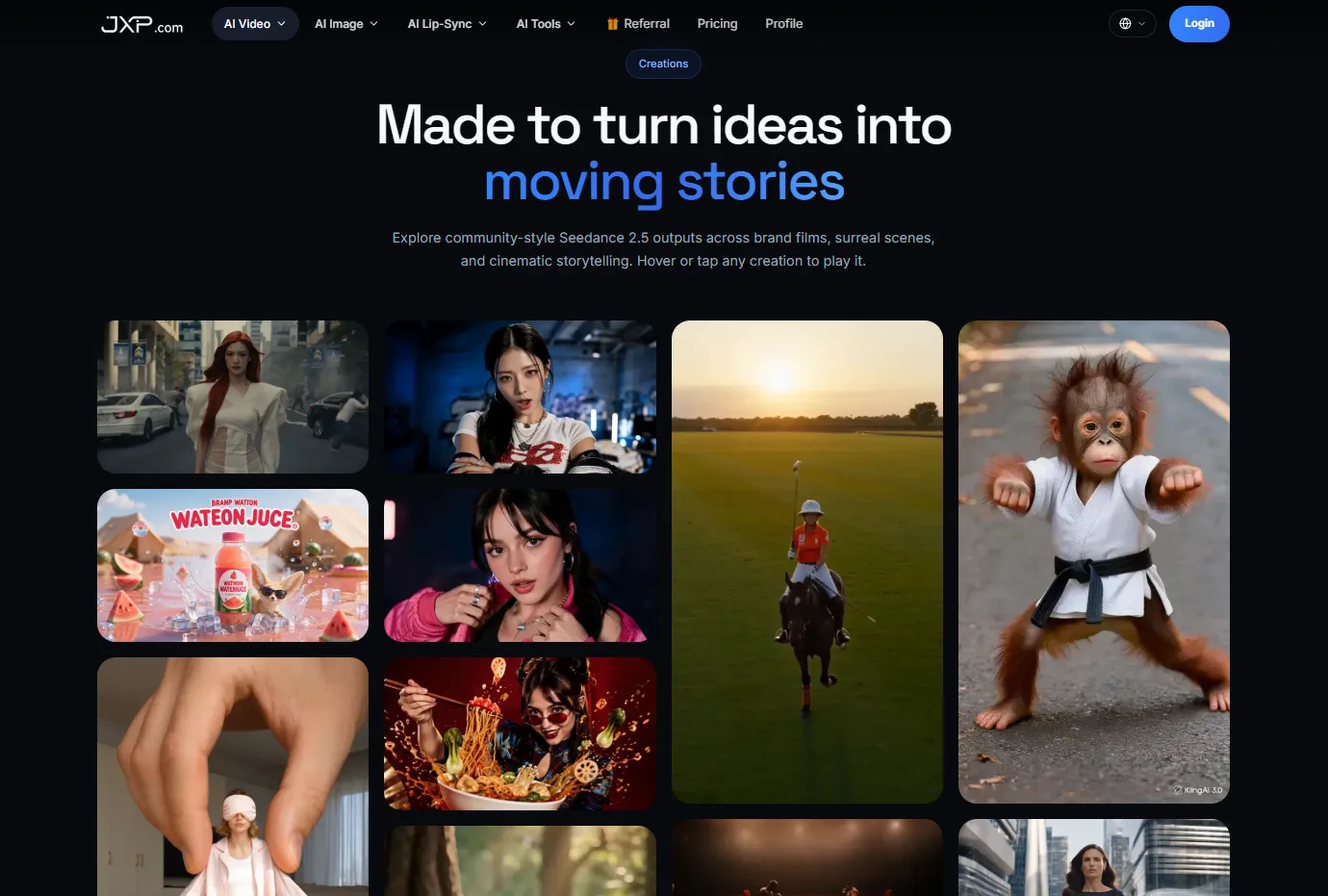
At this stage, a Seedance 2.5 workflow can help teams compare visual directions before final production. But approved text, data labels, source notes, and interface details should remain editable until the final review.
Review the Draft Scene by Scene
A claim-ledger review should be concrete. Do not ask only whether the video feels accurate. Pause on each scene and name the claim. If the team cannot name the claim, the scene may be decorative. If the claim has no source, the scene may be unsafe. If the source is uncertain, the caption should preserve that uncertainty.
This process can reduce avoidable late-stage rework. It is easier to remove a scene, rewrite a caption, or simplify a sequence during the draft stage than after voiceover, music, design, and distribution assets have been finished.
The review should include rights, privacy, and accessibility. Check whether reference files are eligible, whether private or sensitive material entered the workflow, whether captions are readable and synchronized, and whether color-coded information also has text or symbols. A video that cannot be understood without sound or context may need a clearer edit.
Let the Ledger Shape the Final Cut
The final video should not simply be the most attractive draft. It should be the draft that respects the claim ledger. It should show what the source allows, avoid turning illustration into evidence, and keep important qualifications visible where they matter.
An early generated draft can make the video idea concrete enough for review before final production. That is where the tool fits best in a careful workflow: not as a replacement for editorial judgment, but as a way to test whether the visual version still honors the written source.
When the ledger is clear, AI video becomes easier to use responsibly. The team can explore motion, pacing, references, and format without losing sight of the claims behind the clip. The result is not only a cleaner draft. It is a video idea that knows what it is allowed to say.